
The Project controls allow you to create, save, and load forest plot projects.
New Project
Use New Project when you want to start a new forest plot.
This is useful when:
- Starting a new analysis.
- Clearing the current workspace.
- Uploading a different CSV file.
- Resetting the plot configuration.
Save Project
Use Save Project to save the current configuration.
Saved project information may include:
- Uploaded data setup.
- Column mappings.
- Grouping and sorting settings.
- Visible columns.
- Plot title and annotations.
- Legend settings.
- Theme and canvas settings.
Load Project
Use Load Project to reopen a previously saved project.
After loading a project, review:
- CSV data.
- Column mappings.
- Plot settings.
- Theme settings.
- Visible columns.
- Legends and annotations.
Best Practices
- Save a project before making major changes.
- Use clear project names.
- Save different versions when experimenting with plot designs.
- Always review a loaded project before using the final output.
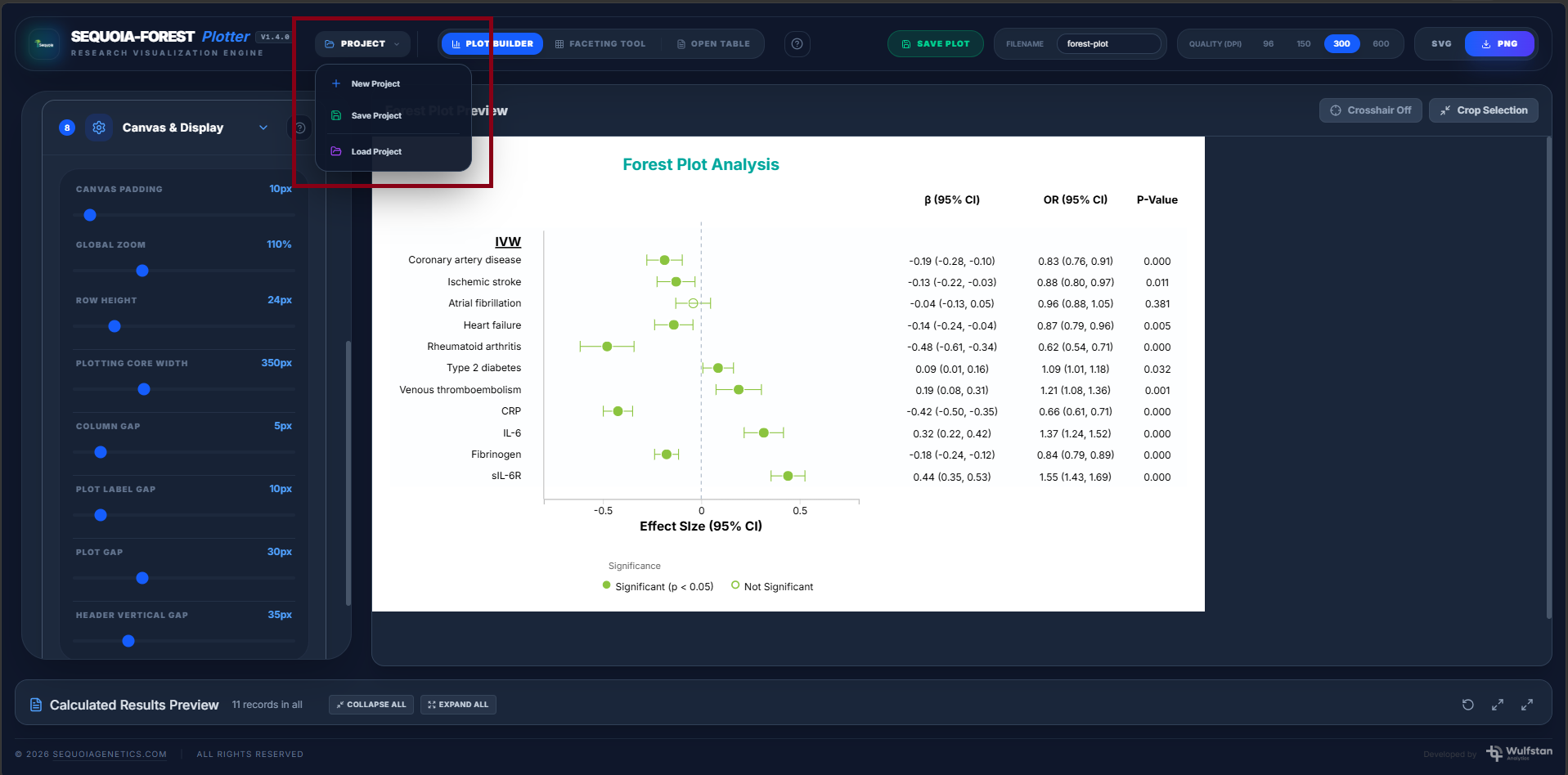
SCREENSHOT: Project panel